EasyEntra
Blazing fast Microsoft Entra ID and Active Directory administration in one application. Runs locally on the admin's device, is licensed per tenant size, not administrators using it. Manage AD properties, licenses, mailbox settings, group memberships, MFA settings, Windows LAPS, Bitlocker, etc.
Built for Enterprises using M365 and/or on-prem Active Directory
About EasyEntra
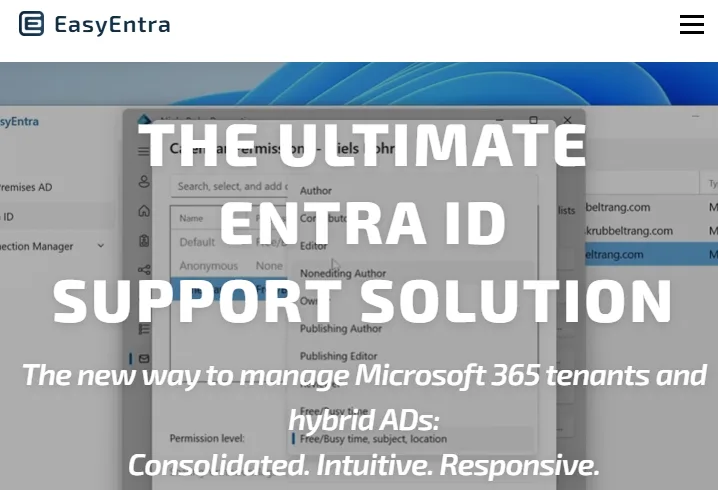
EasyEntra consolidates Microsoft Entra ID, Microsoft 365, Exchange Online, Active Directory, and associated administrative functionality into a single interface. Administrators can manage AD properties, Microsoft 365 licenses, mailbox settings, group memberships, MFA settings, cloud-only objects, devices, BitLocker, Windows LAPS, and more without constantly switching between tools.
Hybrid, Cloud-Only and On-Premises Management
Supports cloud-only Microsoft 365 tenants, hybrid Active Directory/Microsoft 365 environments, and traditional Active Directory environments. Organizations can therefore use the same administration experience regardless of their Microsoft identity architecture.
Multi-Tenant Management
Administrators and MSPs can add and manage multiple Microsoft Entra ID tenants from the same EasyEntra console. Tenants can be individually authenticated and displayed side-by-side, allowing administrators to switch rapidly between customer or organizational environments.
Multiple Active Directory Management
EasyEntra supports the management of multiple Active Directory environments from one instance, making it possible to administer complex multi-domain and multi-AD infrastructures without maintaining separate administration consoles.
What you get
- EasyEntra brings Microsoft Entra ID, Microsoft 365, Exchange Online, Active Directory, and other common administrative tasks into one intuitive management console, reducing the need to switch between multiple Microsoft portals and PowerShell.
Interested in EasyEntra?
Tell us what you need - tick it in the contact form and our team will come back to you.
Contact us